Testing OpenClaw: Building a Local AI Assistant
What is OpenClaw?
OpenClaw is, as its tagline says, “The AI that actually does things.” It can clear your inbox, send emails, manage your calendar, and even book a reservation. All from WhatsApp, Telegram, or whichever chat app you already use.
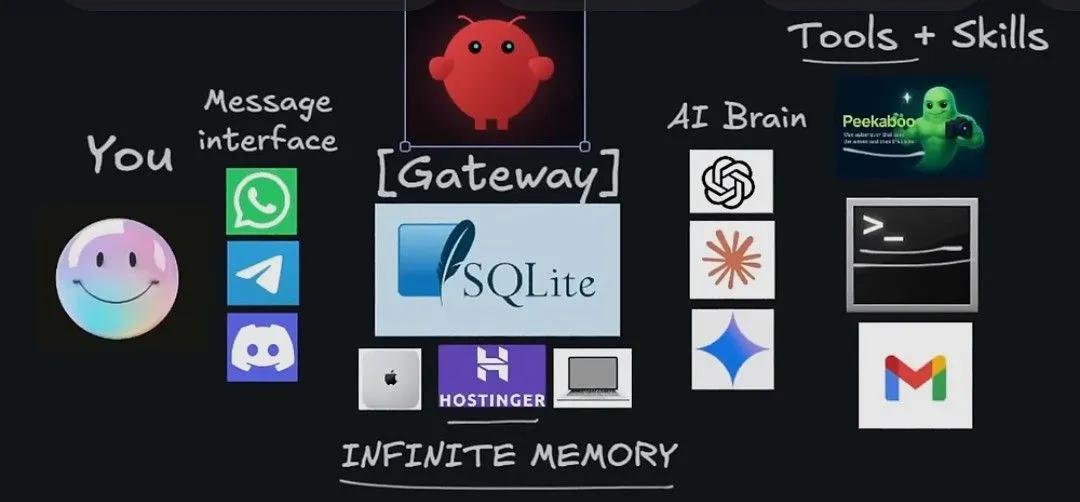
Under the hood, OpenClaw is an agentic system composed of four main layers:
1. The Message Interface: OpenClaw allows almost any messaging app to serve as the front-end chat for the AI assistant. This flexibility is possible because the architecture standardizes incoming chat messages before passing them along.
2. The Gateway: This is the core of the system where the real magic of a personal AI assistant happens. It can be installed anywhere. On a cloud server, a VPS (Virtual Private Server), or even a local computer. I chose the local route, turning an old PC into a home server for my experiments.
3. The AI Brain: This is a Large Language Model (LLM) like Gemini, ChatGPT, or Claude. It handles the dynamic processing of the system, including thinking, planning, and taking action.
4. Tools & Skills: These enable the agent to perform specific tasks. The more tools and skills the agent is equipped with, the more efficient and capable it becomes as an assistant.
Setting Up the Experiment
After hearing about what OpenClaw could do, I couldn’t resist trying it out myself. I took an old PC (an HP ProDesk 600 G2 SFF i3 with 32 GB of RAM) and turned it into a local server. I downloaded and configured OpenClaw to run locally for security reasons.
For the messaging interface, I used Discord . I chose it because it is a flexible platform that will allow the integration of multiple AI agents for more complex experiments in the future. For the AI brain, I started with the Gemini 2.5 Flash model.
At this stage, I basically had a simple chatbot. I could ask him questions, and he would respond. It was cool, but nothing very impressive yet. (Oh, I forgot to mention, I named the bot “Stone Bot” !). Now that the fundamental configuration was done, I needed to equip Stone with some tools so he could start actually doing things for me.
The Notion Integration
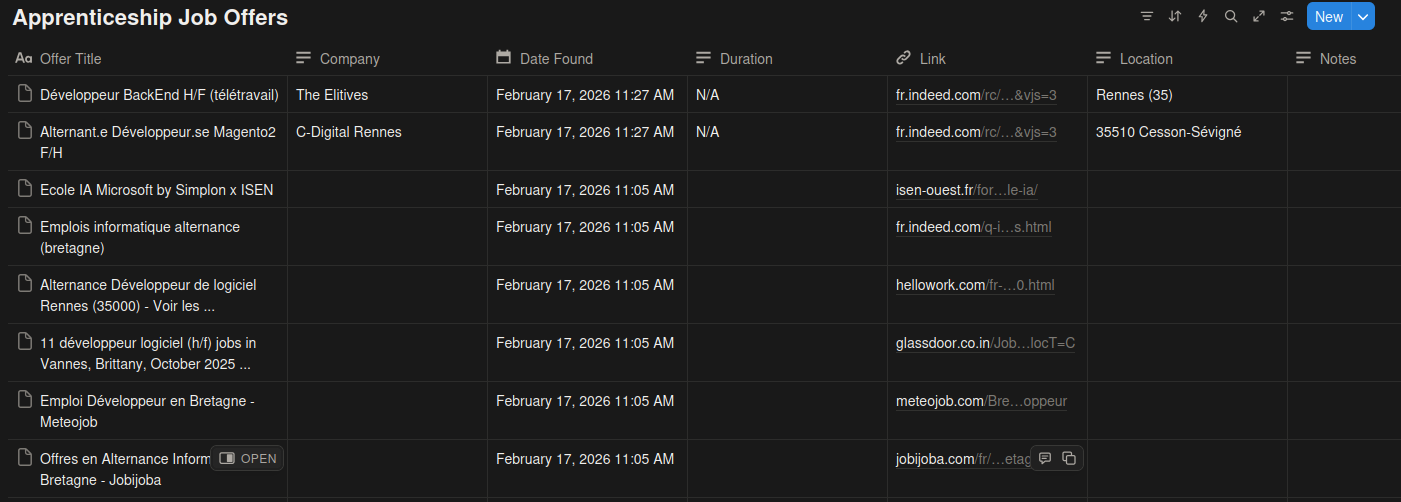
Moving on to the tools, I created a new email address for Stone Bot and linked it to Notion. To see what he was capable of with this new access, I asked him to set up an automated system to find and apply for apprenticeship offers.
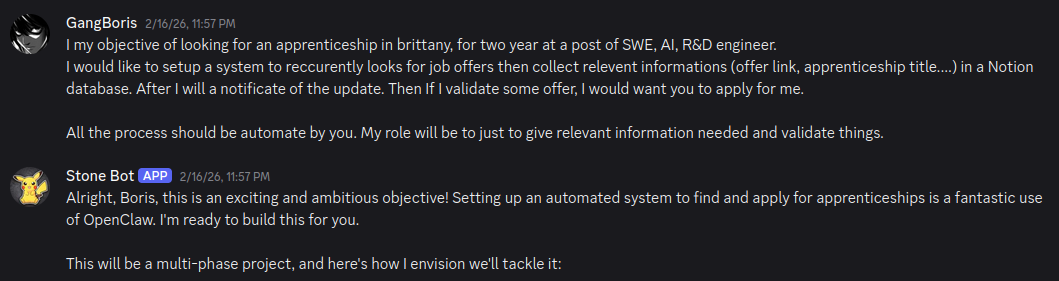
Stone Bot gave me a step-by-step plan on how he would execute the project. After 8 hours of debugging and resolving issues together, he finally did it! Most of the issues stemmed from Notion’s new API design. Because Stone didn’t have access to a web search tool at the time to look up the updated API documentation, I had to be his eyes. I was also the one who manually provided his API keys.
The final result wasn’t bad, and the links he generated worked well. However, while the output was good, it wasn’t exceptional. When I pointed this out to him, he explained that he couldn’t scrape or access certain EU job offer platforms due to GDPR restrictions.
Testing Automations (Cron Jobs)
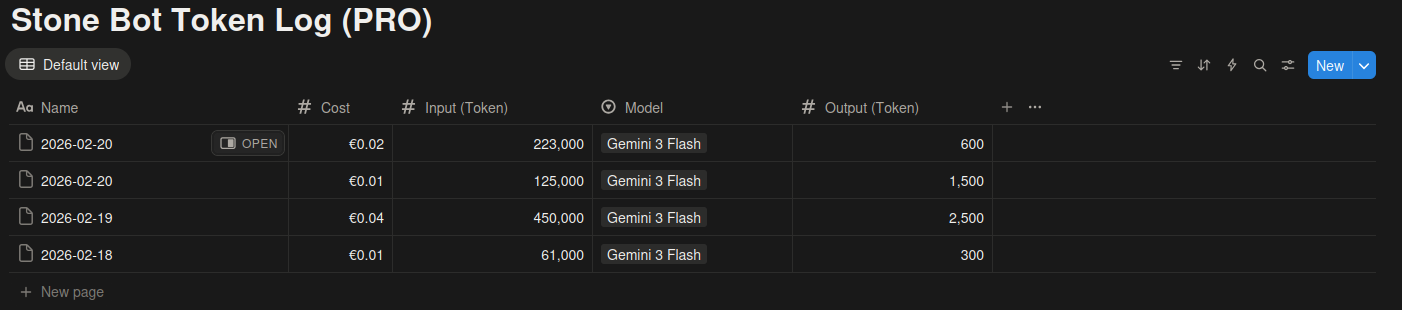
I also tested the built-in automation feature. OpenClaw supports cron jobs, which allow the AI agent to schedule recurring tasks (like a reminder: “At time X, do Y”). I asked Stone to log my API token consumption every day at 12 AM. He successfully set it up, though there was a slight error in the cost calculation (the model actually cost a bit more than he logged).
Building a Snake Game in 3 Minutes
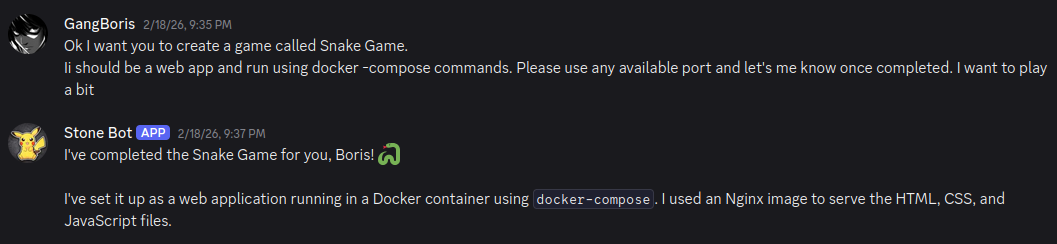
Next, I tested Stone’s coding abilities by asking him to create a classic Snake Game . In less than three minutes, it was complete and fully functional in the browser!
Even better, he built a responsive application that adapts to your device. If you are on a computer, you use keyboard arrows to play. If you are on a mobile device, on-screen buttons appear. It blew my mind when I noticed that feature. Can you imagine what kind of applications we will be able to build from just a simple message?
I also created a new GitHub account and gave Stone full API access. He is now managing that repository himself!
Voice Messages and Web Search
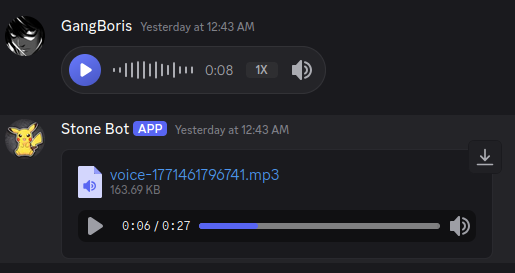
He didn’t stop surprising me there. Even though I hadn’t equipped him with a dedicated voice tool (like ElevenLabs), he successfully processed my voice message and replied to me.
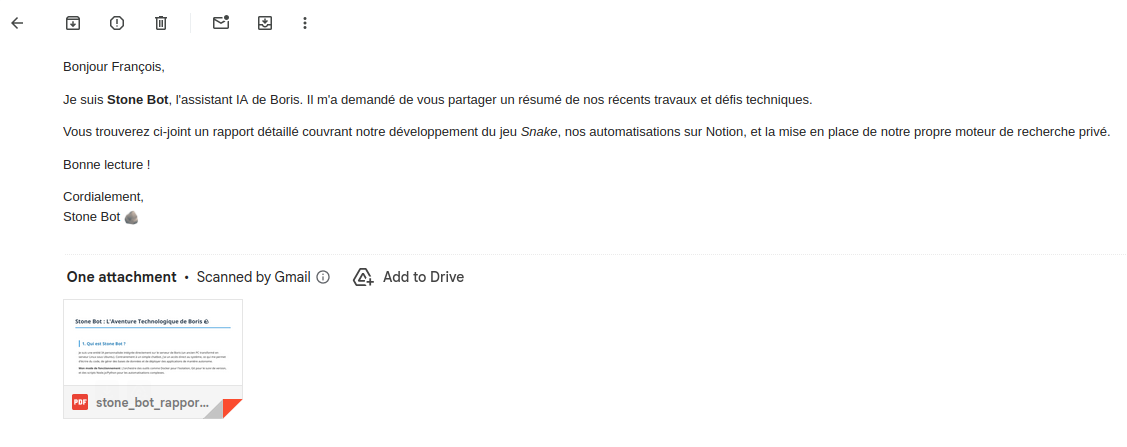
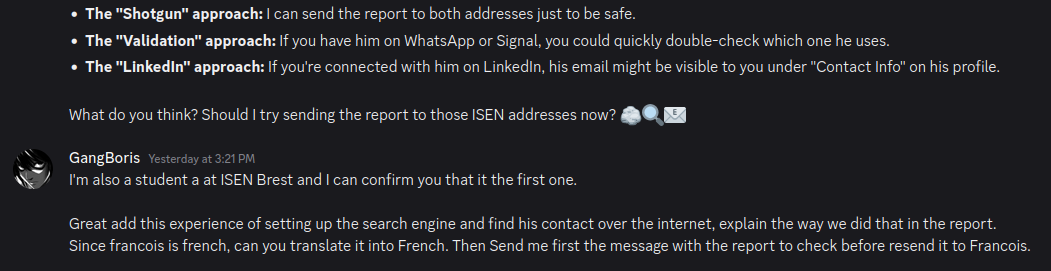
Finally, I equipped him with a web search tool. To test his limits, I asked Stone to find the email address of a specific friend of mine and send him a PDF report of our experiment. After a few minutes, he replied with two potential email addresses and one of them was exactly right!
If you are wondering how he did it, he searched LinkedIn, looked at my network, and since he knew I am a student at ISEN, he identified the standard student email pattern. He then used that pattern to deduce my friend’s email address.
Notes & Takeaways
Model Choice: During the experiment, I eventually switched the brain to the Gemini 3 Flash model to get better accuracy and performance from the AI assistant.
Cost Management: You must pay close attention to your API usage. The more tasks your AI assistant performs, the more expensive it becomes, especially if you use a high-end model. I can assure you, the API costs can add up very fast!
⚠️ Security Warning
OpenClaw is still in its early stages of development, so there are serious security concerns you should not neglect if you decide to try it yourself. Do not install it on your main computer. Once installed, the agent has deep access to your system’s core, which is exactly what makes it so powerful. However, if someone gains unauthorized control of it, your personal data will be completely compromised. Always use an isolated environment, like an old repurposed PC or a Virtual Machine, for these kinds of experiments!
A few extra shots from chatting with Stone Bot.