Building an AI-Powered Blog Generation Pipeline with LangGraph
Automating Blog Post Creation with AI
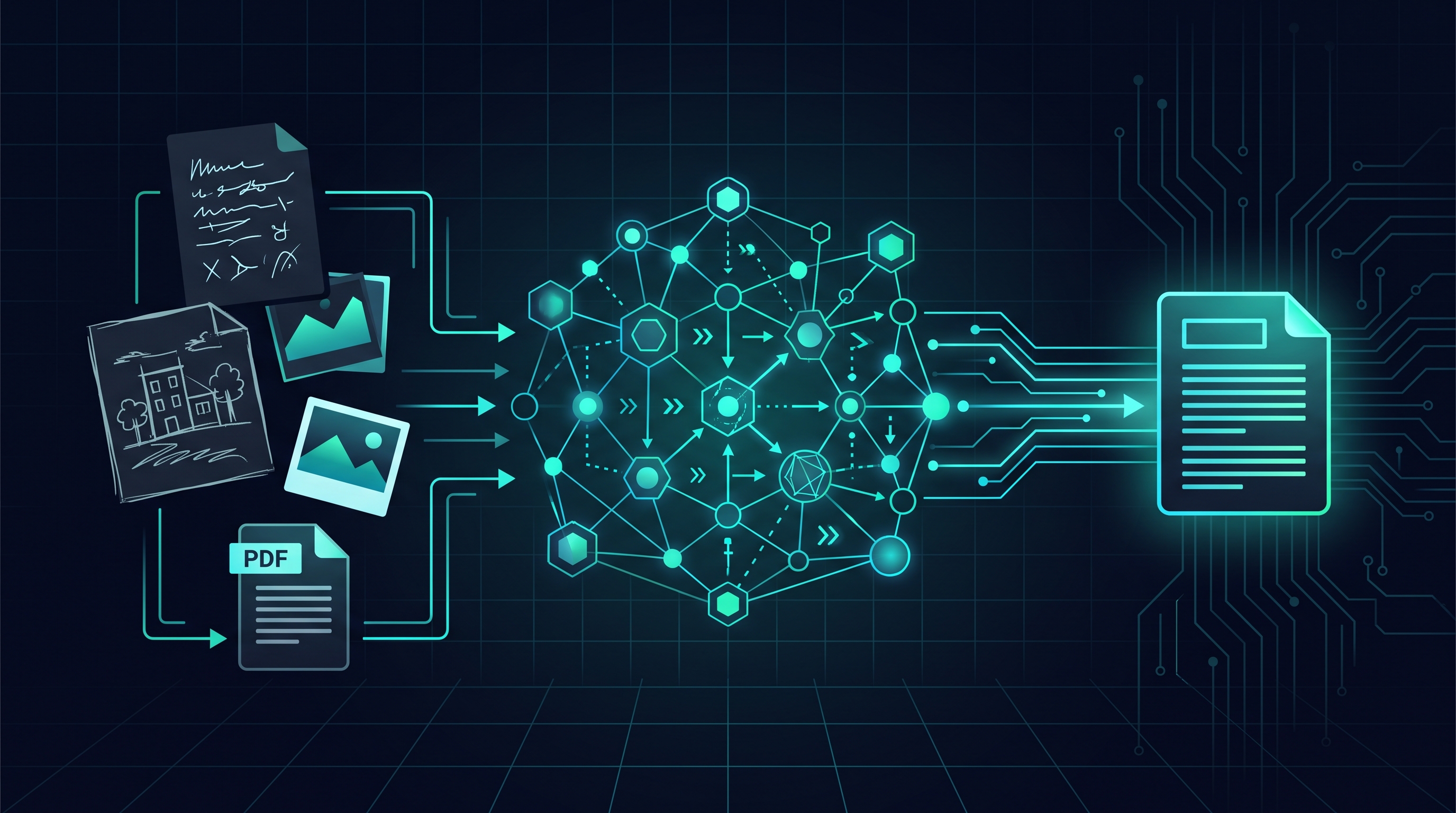
The goal is to automate the creation of my blog post articles using AI. The process starts with accumulating project documentation (notes, photos, diagrams, sketches) in a folder. This folder then feeds into an AI pipeline which generates a blog article closely resembling manually written content. This includes requirements for reading the entire folder, writing a complete blog post based on a template, uploading the article online, and incorporating various media types like images, text, code, and video. Crucially, the generated article requires user validation before publication, and the entire system must be modular and easily adaptable. The workflow involves placing numbered project files into a designated folder, triggering the program via the command line, previewing the generated article, approving it, committing and merging changes via Git, and finally, publishing the article. User interaction focuses on validation and merging, ensuring a streamlined process. The architecture reflects a structured format, mirroring common article sections like introduction, technical details, and results, to maintain a consistent style.
This system relies on a well-defined process: files are placed in the appropriate project folder, a command line is executed, the pipeline generates an article, a preview is shown, approval is given, a Git branch is created, review and merging occur, and the article is published online. Ultimately, this process aims to minimize the user’s involvement while maximizing efficiency and quality.
Pipeline Architecture and Components
The project utilizes a dedicated repository, blog-pipeline/, along with an existing repository, borisgangue-portfolio/. The pipeline is structured into several key components, including:
- nodes/: Contains Python scripts for extraction (extract.py), structuring (structure.py), writing (write.py), image placement (place_images.py), and validation (validate.py).
- llm/provider.py: Provides an abstraction layer for different Large Language Models (LLMs) such as Claude, Gemini, or local models.
- graph.py: Defines the LangGraph structure.
- config.yaml: Contains configuration parameters, including the
portfolio_pathwhich points to../borisgangue-portfolio. - reference/: Holds a fixed copy of the base Astro layout and content collection schema.
- drafts/: A local staging area for articles before publication (Git ignored).
- .env: Contains API keys (Git ignored).
The pipeline workflow includes extracting text and images from PDF/TXT files, structuring the text into sections corresponding to a predefined template (Introduction, Technique, Results, etc.), generating markdown, inserting images, validating the final format, previewing the article, and finally publishing it via Vercel. Initial workflow steps involve running publish.sh and reviewing in a local preview environment.
Advantages of the Automated Pipeline
The automated pipeline offers several key advantages. It allows for the use of local LLMs, ensuring privacy and security for sensitive data. The system is designed to be deterministic, minimizing the involvement of AI in creative decision-making. The process relies heavily on human-provided input and logical rules, with the AI primarily responsible for content extraction and structuring based on a predefined template.
Lessons Learned in the Automation Process
The author notes that in this project, they did not write any code, with all code generated by Claude code. Their role was to define the problem, deconstruct it, architect the pipeline, and oversee the AI generation to ensure alignment with the project’s requirements.
Future Improvements and Dynamic Structuring
Future improvements focus on refining the AI’s output to more closely resemble human-written content. The current deterministic structure will be modified to allow for more flexibility and a style closer to natural writing. A key goal is to implement dynamic structuring that adapts to the variable content of project documents. The aim is to enable the pipeline to automatically identify and structure sections (introduction, project description, etc.) based on the content’s structure, potentially requiring adjustments to the input documents to facilitate this process.